Mosque prayer times display
Prayer times on every screen in your masjid.
Turn any TV in the masjid into a live prayer times display: today's Adhan and Iqama times, the next prayer, a clock and your announcements. Set it up once and it keeps itself up to date.
No special hardware
Your prayer times screen is a web page. Open your masjid's signage link in the browser of a smart TV, or on a small PC or streaming stick plugged into any screen, and leave it running. There is no box to buy from us and no software to install.
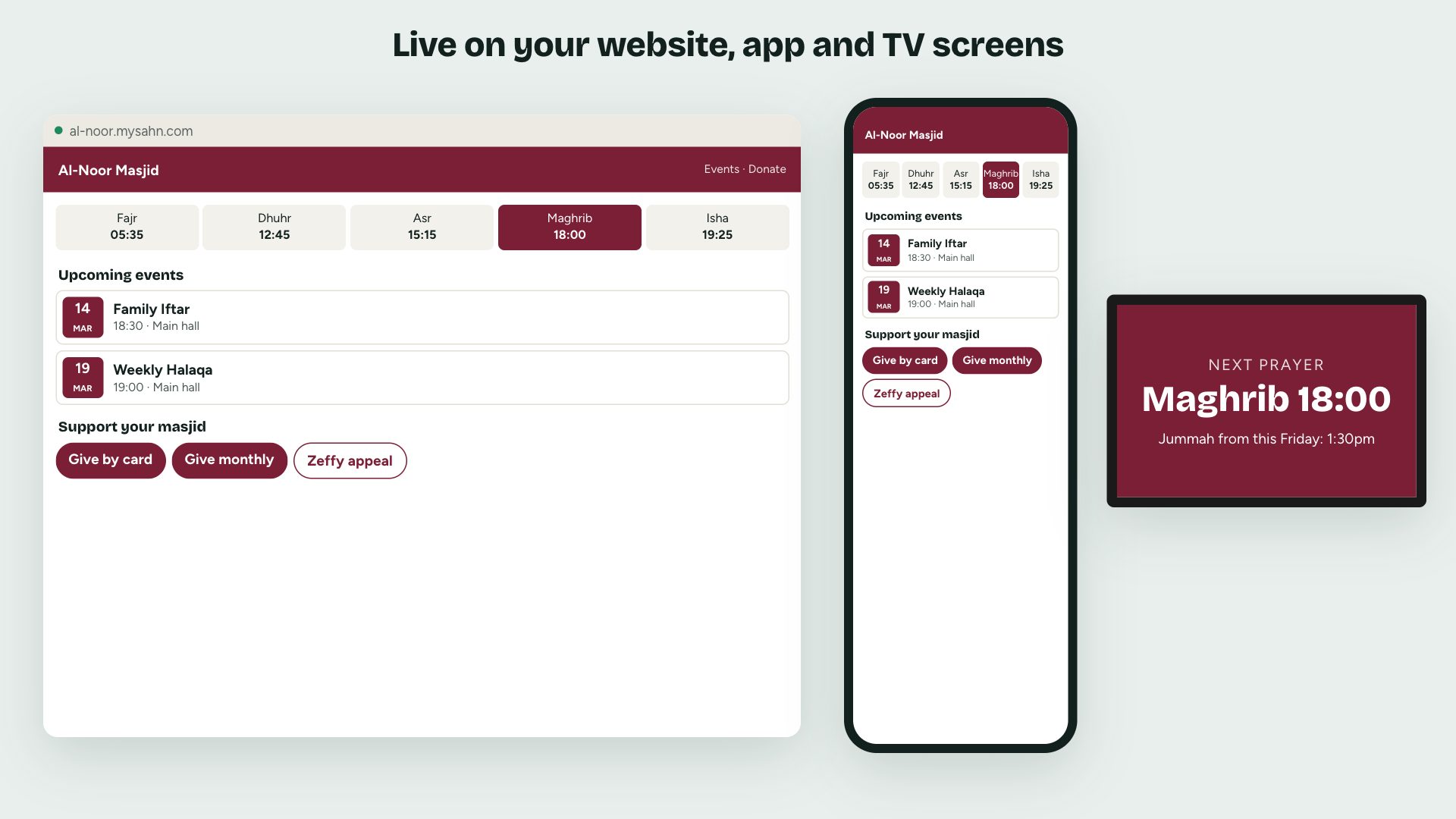
Always up to date
The screen shows the same prayer times, announcements and news you publish in the dashboard, so when the Iqama time changes you update it once and the TV, your website and your app all follow.
Choose a layout
Each area of the screen uses the same widgets as your website — today's prayer times, the next Adhan, a clock, announcements, events or a carousel of images — so there is nothing to set up twice.
- Full screen — one widget filling the display
- Split 70 / 30 or 50 / 50
- A stack of three, or a grid of four
- Dark, light, brand-coloured or high-contrast skins
Frequently asked questions
What do we need to run a prayer times screen?
Any screen with a web browser: a smart TV, or an ordinary TV with a small PC or streaming stick. You open your masjid's signage link and leave it running.
Does the screen update itself?
Yes. It shows whatever you've published in the dashboard, so changes to prayer times and announcements appear without touching the TV.
Can we have more than one screen?
Yes. You can create different signage layouts and open them on as many screens as you like.
Is the prayer times screen included in the price?
Yes. TV signage is part of the £20 a month plan with every other feature.